
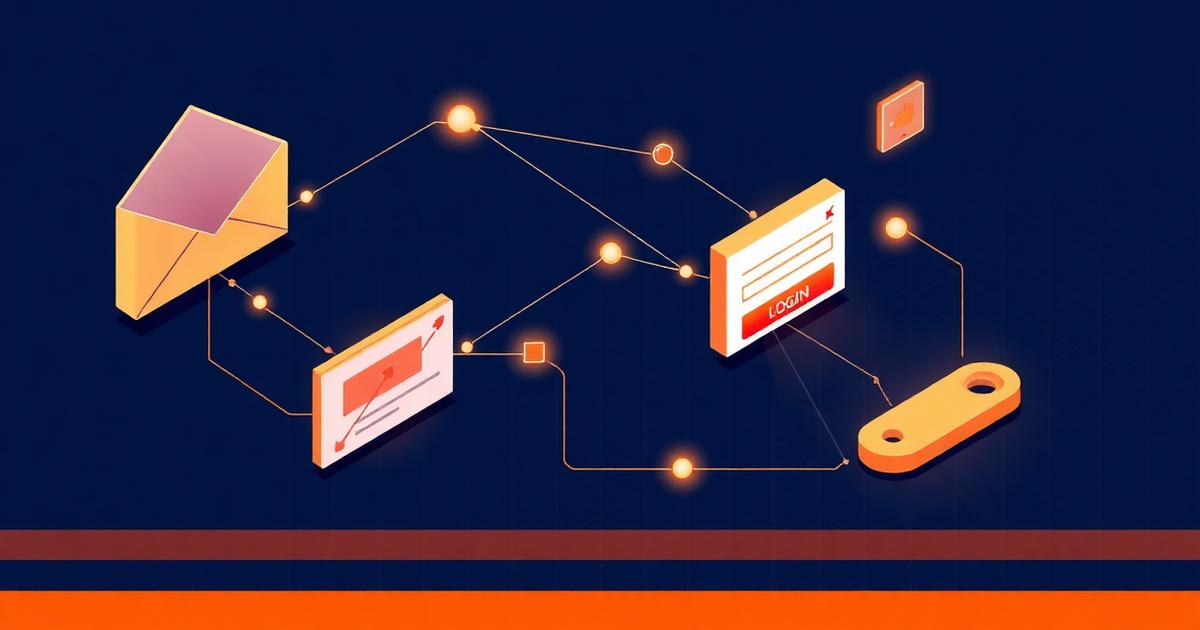
Phishing is the single most common way UK businesses get breached. Not ransomware gangs writing exotic malware — just convincing emails, persuading a human to do one wrong thing. This article walks through how modern phishing attacks actually unfold, with real (anonymised) examples we've seen in the last 12 months.
It's written for non-technical leaders. No acronym soup.
The four steps behind almost every phishing attack
Whether the lure is a fake invoice or a fake Microsoft login, almost every phishing attack follows the same four-step pattern.
- Reconnaissance — the attacker scrapes LinkedIn, your website and breached data to learn who works where, who reports to whom, and what tools you use.
- Lure — they craft a message that fits your context: a fake invoice from a real supplier, a Teams notification, a DocuSign request, a password reset.
- Capture — the victim clicks, lands on a convincing fake login page, and types in their credentials. Modern kits even capture the MFA code in real time.
- Exploit — within minutes, the attacker logs in, sets up forwarding rules, scans the mailbox for invoices, and pivots to other systems or supplier conversations.
Real example 1: the supplier invoice swap
A 40-person UK construction firm received what looked like a routine invoice from a long-term subcontractor. Same logo, same layout, same email signature. The only difference was the bank details — changed by one digit.
Behind the scenes, the subcontractor had been phished weeks earlier. The attacker had been quietly reading their mailbox, waiting for a real invoice to go out, then sent a near-identical copy from a lookalike domain to the construction firm's accounts inbox.
£28,000 was paid to the wrong account. By the time anyone noticed, the money was gone.
Real example 2: the Microsoft 365 login page
A finance manager at a UK professional services firm received an email apparently from Microsoft, warning that her mailbox storage was full and messages would start bouncing. The link took her to a perfect replica of the Microsoft 365 login page, hosted on a domain registered three hours earlier.
She entered her email, password and MFA code. The attacker captured all three in real time, logged in immediately, created a hidden inbox rule to forward and delete anything containing 'invoice' or 'payment', and started spear-phishing her clients from her own mailbox.
Real example 3: the Teams message at 4:55pm on a Friday
A junior team member received a Teams message from someone pretending to be the CEO: 'Quick favour — can you grab three £100 Amazon vouchers for a client gift? I'm in back-to-back meetings, I'll reimburse you Monday.'
It wasn't a Teams message at all — it was an SMS spoofing the CEO's name, sent off-hours when the team was tired and unlikely to verify. Two of these vouchers were bought before a colleague spotted it.
Why filters miss modern phishing
Email security has improved enormously, but attackers have moved faster. Three reasons modern phishing slips through:
- Brand-new lookalike domains, registered minutes before the attack, with no bad reputation yet.
- Legitimate cloud services (SharePoint, Dropbox, Canva, Google Docs) used to host the malicious link, so the URL itself looks trustworthy.
- Real-time MFA capture (also called 'adversary-in-the-middle') that defeats SMS and app-based one-time codes.
Related service
Test your team with realistic phishing simulations
Safe, controlled simulations that reveal who would actually click — and turn those moments into training.
Explore Test your team with realistic phishing simulationsWhat actually stops phishing
There's no silver bullet, but a small number of controls block the vast majority of attacks. In rough order of impact:
- Phishing-resistant MFA on email and admin accounts (passkeys or hardware keys, not just SMS codes).
- A modern email security gateway that rewrites links and inspects them at click-time.
- Conditional Access policies that block sign-ins from unexpected countries or risky device states.
- Mailbox rule monitoring — a hidden auto-forward rule is the signature of a compromised account.
- Realistic, ongoing phishing simulation paired with short, relevant training (not annual e-learning).
- A simple internal rule for bank-detail changes: always verify by phone, on a known number, never on a number from the email.
Related service
Train your team to spot what filters miss
Short, modern, UK-relevant awareness training that actually changes behaviour.
Explore Train your team to spot what filters missThe signals to train your team on
Most successful phishing emails trigger one of three feelings: urgency, authority, or curiosity. If a message creates pressure to act fast, comes from someone senior, or dangles something unusual (an unexpected refund, a parcel issue, a shared document you didn't request), pause.
Hover over links. Check the actual sender domain, not the display name. And if anything involves money or credentials, verify through a second channel.
Next step
If you'd like to know how your business would stand up to a modern phishing attack — and where the weak points are — book a free 30-minute review with a UK specialist. We'll walk through your current setup, flag the gaps and give you a plain-English plan.